














CPU Macro Photography – Create Abstract Cityscapes with Light and Detail – Watch on YouTube
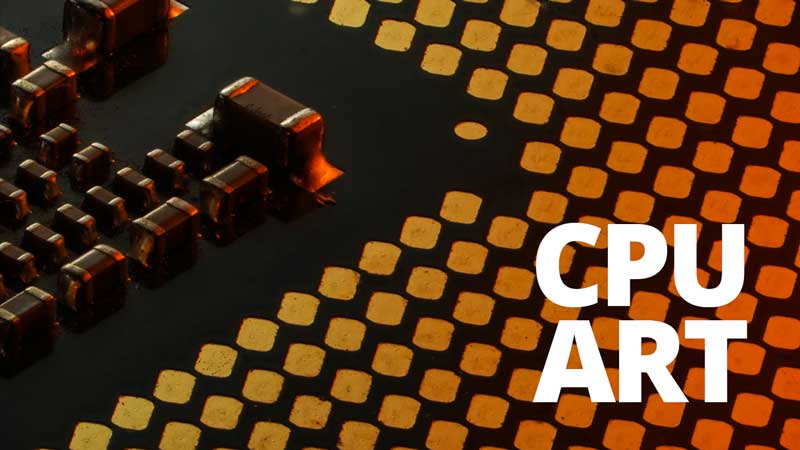
There are many subjects in macro photography that are hiding in plain sight. A computer processor is one of them. It is not particularly small when viewed normally, yet under a macro lens it transforms into something intricate and almost unrecognisable. With the right lighting and a careful approach, the underside of a processor can resemble anything from a futuristic city to an abstract landscape.
This guide explores how to photograph a computer processor using Adaptalux lighting, focusing on composition, colour, and magnification to create striking macro images.
What is a CPU?
Before setting up the shot, it helps to know what sits on the underside of a processor. This knowledge is useful, but it should not distract from the main goal, which is creating visually engaging images.
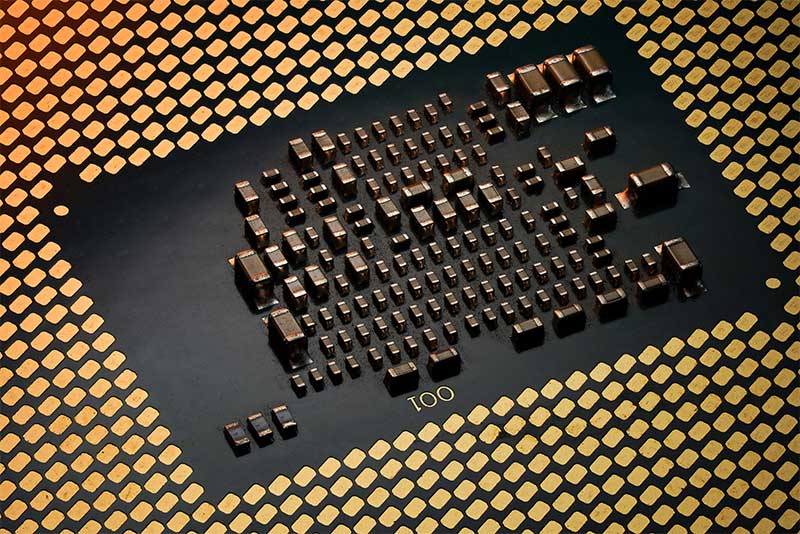
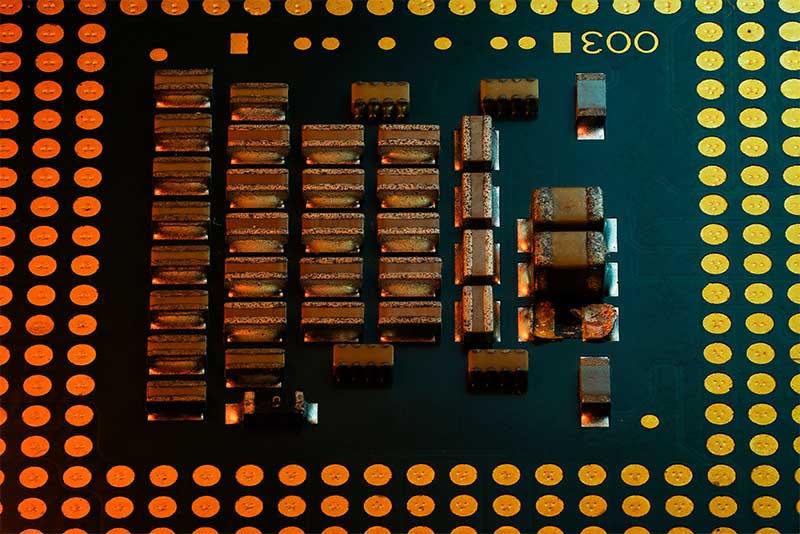
The underside is covered in contact points, often gold in colour. These are either flat pads or tiny pins, depending on the processor type, and they connect the chip to the motherboard. Their surface is smooth and reflective, which makes them ideal for catching coloured light.
Between and around these contacts, you may also notice small surface components. These include capacitors and other electronic parts that help regulate power and signal stability. They are usually arranged in neat grids or clusters.
From a photography perspective, these elements form repeating patterns and textures. The contrast between flat reflective contacts and raised components is what gives the subject its visual interest when viewed up close.
Choosing Your Subject
Older processors are perfect for this type of macro photography. They are easy to find and inexpensive, which means you can experiment without worrying about damaging anything valuable.
Even though processors are all physically similar in size, newer models tend to have a much higher density of components. This results in more intricate detail, while older models will have larger, more spaced-out structures. Both can work well, depending on the style of image you want to create.
Setting Up Your Scene
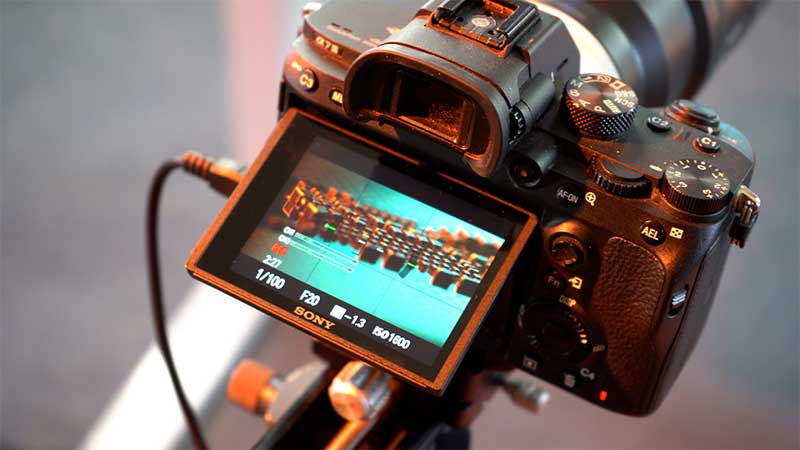
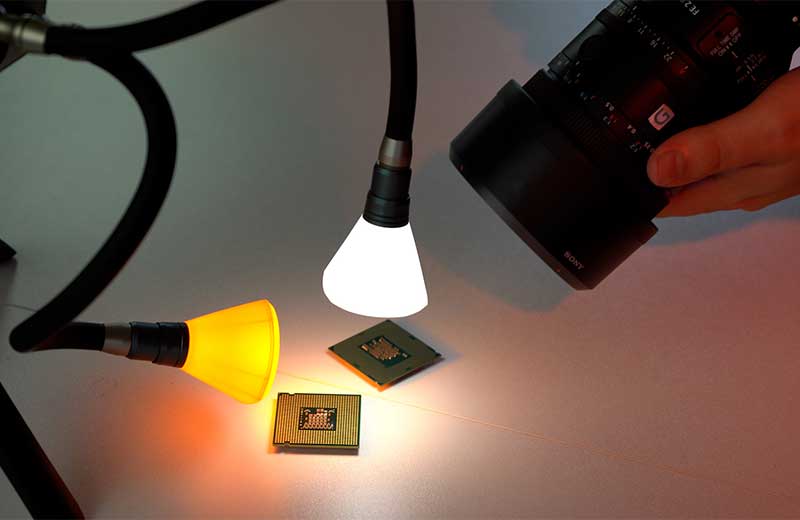
Place the processor on a flat surface and position your camera with a macro lens. A tripod is highly recommended, especially when working at high magnification.
Start by exploring the subject handheld. Move around the processor and look for interesting angles. As you get closer, the detail increases dramatically. You may find that certain angles hide the edges of the processor entirely, making the subject appear abstract.
Once you have found a promising composition, switch to a stable tripod setup. A focus stacking rail can help refine your framing and focus.
Lighting the Processor with Adaptalux
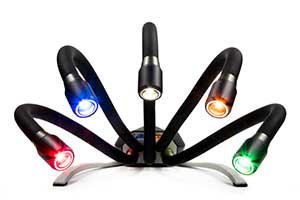
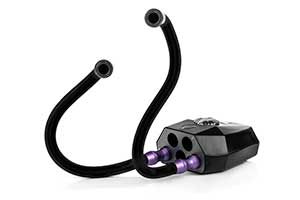
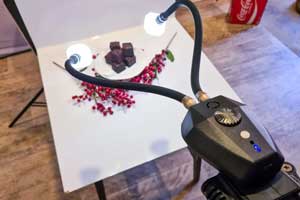
Lighting is the key to bringing this subject to life. The Adaptalux Studio makes it easy to experiment with different setups and colours.
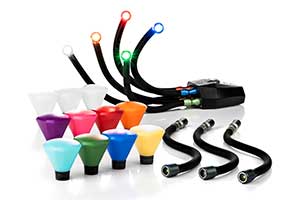
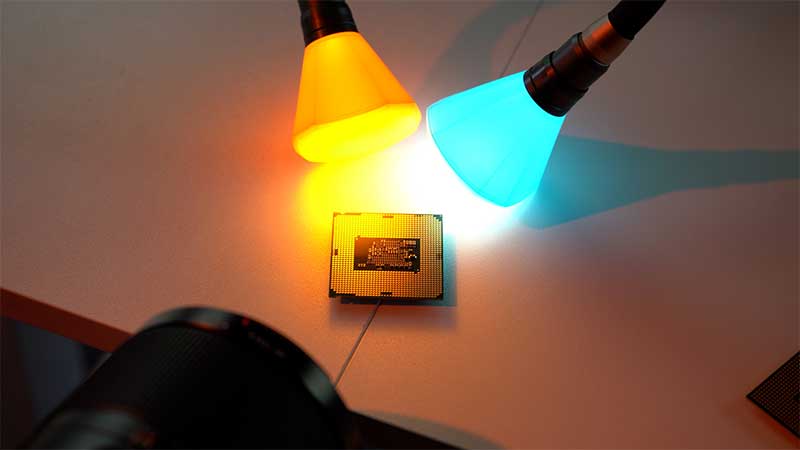
A simple starting point is a white light from above to reveal overall detail and a second light with a colour filter, such as orange, to introduce reflections and contrast
The reflective contacts respond particularly well to coloured light. Even a subtle change in colour can completely alter the mood of the image.
The position of your coloured light has a big impact:
- From the side, it creates strong reflections across the contacts
- From the back, it produces a softer glow and subtle highlights
- From the front, it can emphasise texture and structure
Warm tones like orange work well with the natural gold colour of the contacts. Cooler tones such as blue can create contrast and shift the look towards something more futuristic.
The flexibility of the Adaptalux system allows you to swap filters quickly and test different combinations without disrupting your setup.
Creating Abstract Compositions
One of the most rewarding aspects of macro photography of a computer processor is how easily it becomes abstract.
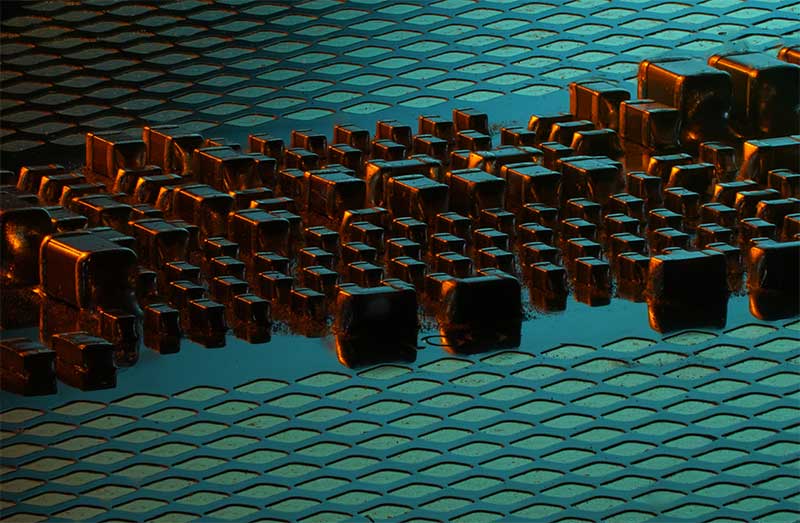
By lowering your camera angle, the small raised components can look like buildings. The flat field of contacts becomes the ground beneath them. With the right lighting, this can resemble a city skyline at sunset or even a futuristic landscape.
Try positioning your camera:
- Low to the surface for a “street level” perspective
- Slightly angled downward to maintain context while keeping detail
- Close enough to hide the outer edges of the processor
When the frame excludes recognisable elements, the image becomes more intriguing. Viewers may not immediately identify what they are looking at, which adds to the visual impact.
Focus and Depth of Field
At high magnification, depth of field becomes very shallow. This is where focus stacking can make a significant difference.
By capturing multiple images at different focus points and combining them, you can produce an image that is sharp across the entire frame. This works particularly well for highly detailed and uniform subjects like a processor.
However, full sharpness is not always necessary. Allowing parts of the image to fall out of focus can create a sense of depth and scale, especially in compositions that resemble landscapes or city scenes.
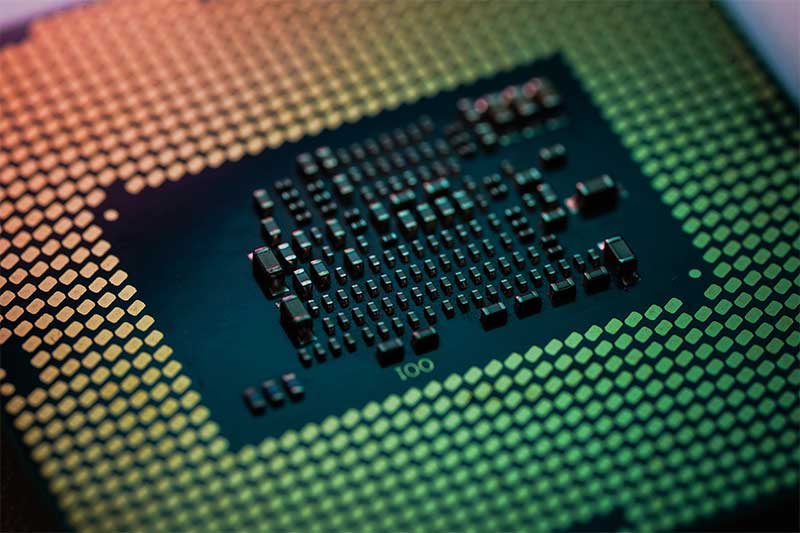
Photographing a computer processor is a simple but powerful way to explore macro photography. It combines accessible subject matter with complex detail, making it ideal for experimentation.
The underside of the processor, with its reflective contacts and tiny components, provides endless opportunities for creative lighting. With the Adaptalux Studio, it becomes easy to shape that light and transform a technical object into something visually striking.
Whether you aim for full clarity with focus stacking or prefer softer, more atmospheric images, this subject rewards curiosity and patience. By exploring different angles, colours, and compositions, you can turn an everyday object into something completely unexpected.
Remember to subscribe to our YouTube channel for regular macro photography tutorials, ideas and inspiration.

- Best Flexible LED Lighting for Macro Photography - 1st October 2026
- What’s inside your chocolate bar? – Food Macro with flexible LED Lighting - 27th September 2026
- Adaptalux Macro Lighting System vs Ring Lights for Macro Photography - 18th September 2026


